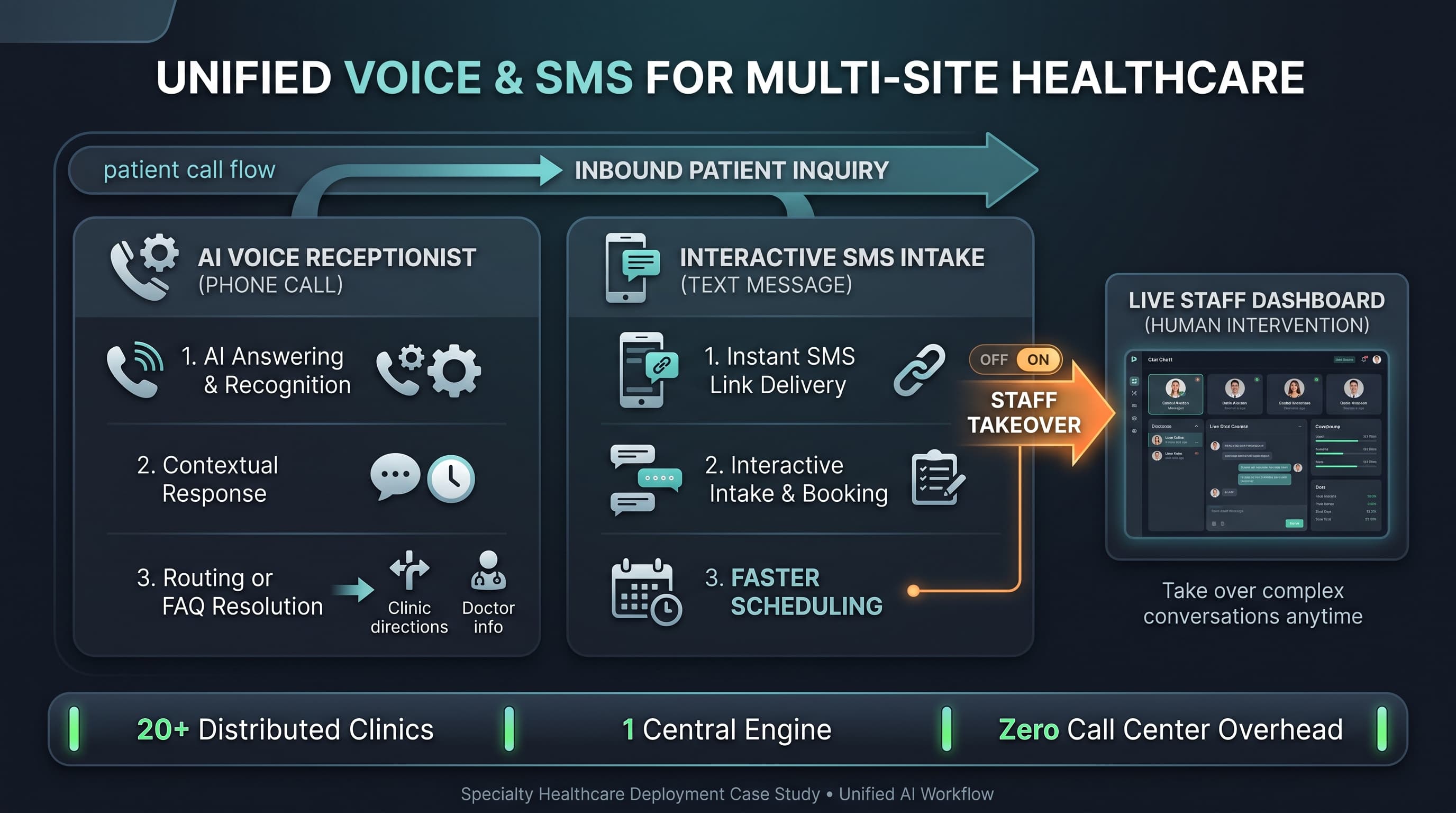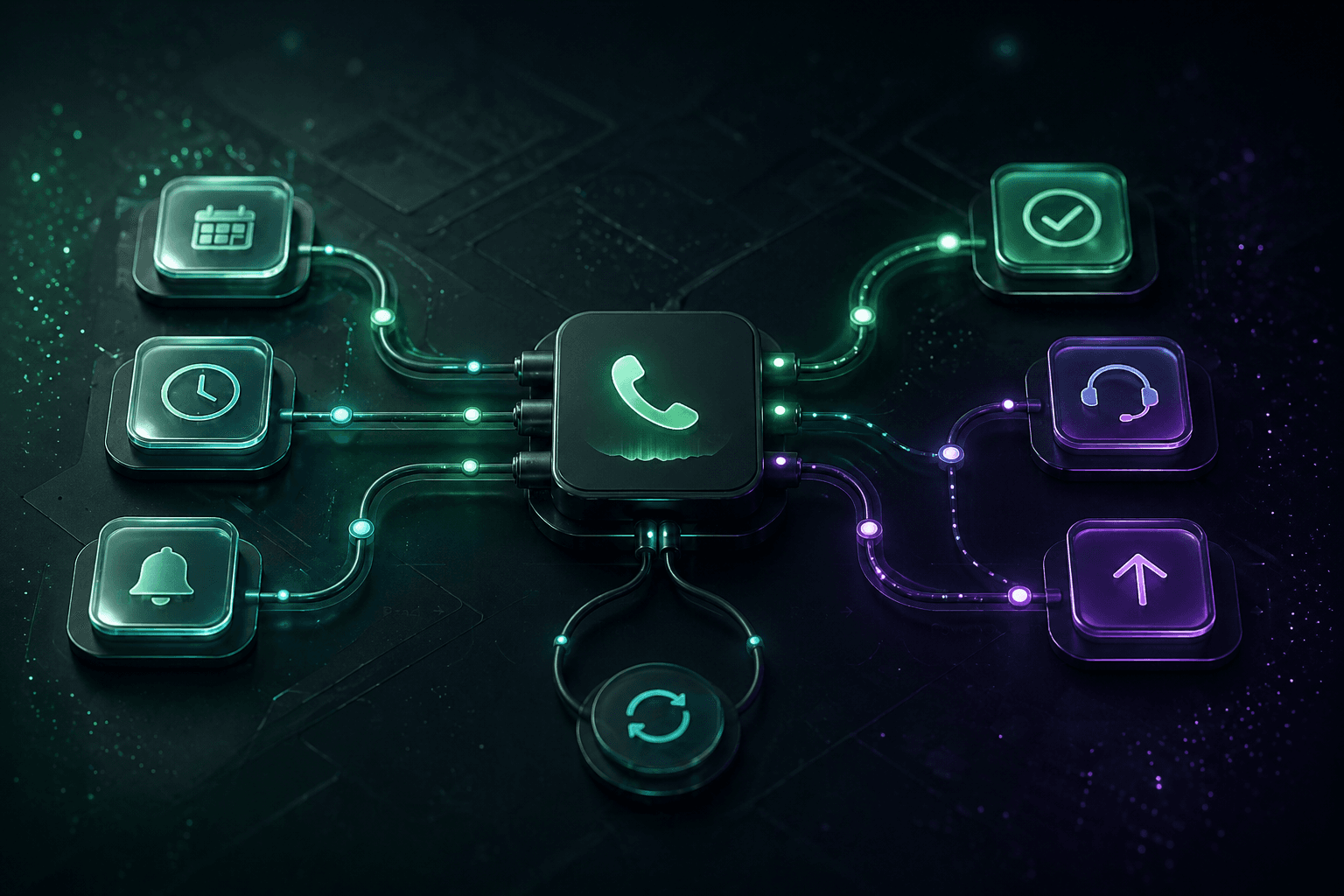
Patient care teams often discover that the most expensive communication work is not the dramatic moment. It is the constant stream of reminders, follow-up attempts, status checks, and callback loops that keep care plans moving. Patient care call automation is valuable when it turns those recurring interactions into a reliable workflow instead of another list of messages staff need to untangle later.
That distinction matters. Plenty of systems can place outbound calls or send reminders. The operational question is whether the response comes back in a format that a care coordinator can act on immediately. If the system only creates more disconnected notes, the team still pays the same coordination cost. If it classifies intent, captures what changed, and routes the right exception, it reduces friction on both sides of the outreach process.
Where patient care call automation creates the most value
The strongest use cases sit in the gap between one-way reminder tools and fully manual callback operations. These are conversations where the team needs a patient response, but not necessarily a clinician on the line for every exchange. In those moments, automation can maintain consistency while surfacing the cases that actually need judgment.
Post-visit follow-up when teams need to confirm next steps, symptom updates, or unresolved questions.
Discharge outreach where callback attempts are frequent and staff need structured responses, not vague notes.
Medication or treatment reminders that may require escalation if the patient reports confusion, barriers, or changes in condition.
Referral coordination where the team needs to know whether the patient scheduled, encountered friction, or still requires help.
Routine status checks for patients moving through a defined care path.
These workflows are operationally expensive because each failed contact or incomplete note creates another task. Teams are not only trying to reach patients. They are trying to preserve continuity without losing time to repetitive message management. That is why the workflow design matters more than the fact that the system can place a call.
Patient care call automation needs response logic, not just call logic
A common implementation mistake is defining the outreach sequence but not defining the response categories. For example, a discharge call may ask whether the patient has questions, filled a prescription, or needs a callback. Each answer should map to a clear operational path. If the patient confirms everything is on track, the workflow can close or mark the next scheduled outreach step. If the patient reports confusion or a barrier, the case needs a different queue and likely a faster human response.
This is also where escalation discipline matters. The team should know which signals indicate urgency, which indicate routine follow-up, and which indicate a process issue that operations can resolve without clinical intervention. The framework from Escalation Design applies directly because patient communication becomes operationally useful only when exceptions are visible and prioritized correctly.
Response logic should be reviewed with the people who own downstream work. If care coordinators say they still have to call back and ask the same basic questions, the workflow is incomplete. The goal is not to keep the conversation inside automation longer. The goal is to hand over enough structure that the next person can act quickly and confidently.
A practical workflow design for follow-up and reminders
Most teams get better results by separating routine outreach from exception management. Routine outreach should confirm status, capture a small set of required fields, and then either close the loop or flag the next step. Exception management should prioritize anything that changes risk, blocks progression, or signals a need for direct staff involvement.
Trigger the outreach from a real event, such as a visit, discharge, referral, missed appointment, or follow-up milestone.
Keep the script focused on the minimum information the team actually needs to make a decision.
Map each response to a known outcome: complete, retry later, route to coordinator, or escalate now.
Deliver a structured summary into the queue or system the team already uses to work callbacks.
That structure prevents a common failure mode where every answer becomes a new manual note for someone else to interpret. It also helps leaders tune the workflow over time. If a large share of patients are asking for the same clarification, the issue may be in discharge instructions, not in the call system. Good automation makes process gaps visible instead of masking them.
Operational pain points teams should design around early
Care teams often underestimate how much callback volume is driven by timing and context. A patient may miss the first call but respond later, or a reminder may reach the right person but at the wrong moment. That means retry logic, callback windows, and summary formatting are not secondary details. They are part of whether the workflow feels useful or noisy.
Another pain point is over-collection. Teams sometimes try to gather every possible detail on every outreach attempt, which can make the experience longer and reduce completion rates. Start with the minimum set of fields needed to classify the result. Then only collect more detail when the response itself justifies it. This is the same discipline described in AI communication playbooks where the operating model becomes clearer when every prompt exists for a reason.
Patient care call automation should reduce callback ambiguity, not create a better-organized version of the same voicemail backlog.
Teams should also decide which workflows are truly appropriate for automation. If a conversation predictably becomes highly nuanced within the first minute, it may belong in a staff-owned path from the start. The right first targets are conversations where consistency and capture matter more than open-ended problem solving.
FAQ
What is the best first patient care call automation workflow?
Post-visit follow-up, discharge coordination, reminder calls, and structured status checks are strong first workflows because they happen frequently and benefit from consistent response capture.
How do teams avoid overwhelming staff with automated follow-up results?
Define response categories up front and route only the cases that require action. Routine confirmations should resolve cleanly, while exceptions should arrive with clear reason codes and summary context.
When should a patient call be escalated immediately?
Escalate when the response indicates urgency, confusion that could affect care progression, inability to complete a required next step, or a direct request for human follow-up that fits the team’s escalation policy.
Next step for care coordination teams
If follow-up volume is creating drag on your team, review the Patient Care Call Automation page and use it alongside the Healthcare AI Phone System guide to choose the first response-driven workflow to standardize.